Gantt Software for Product Management
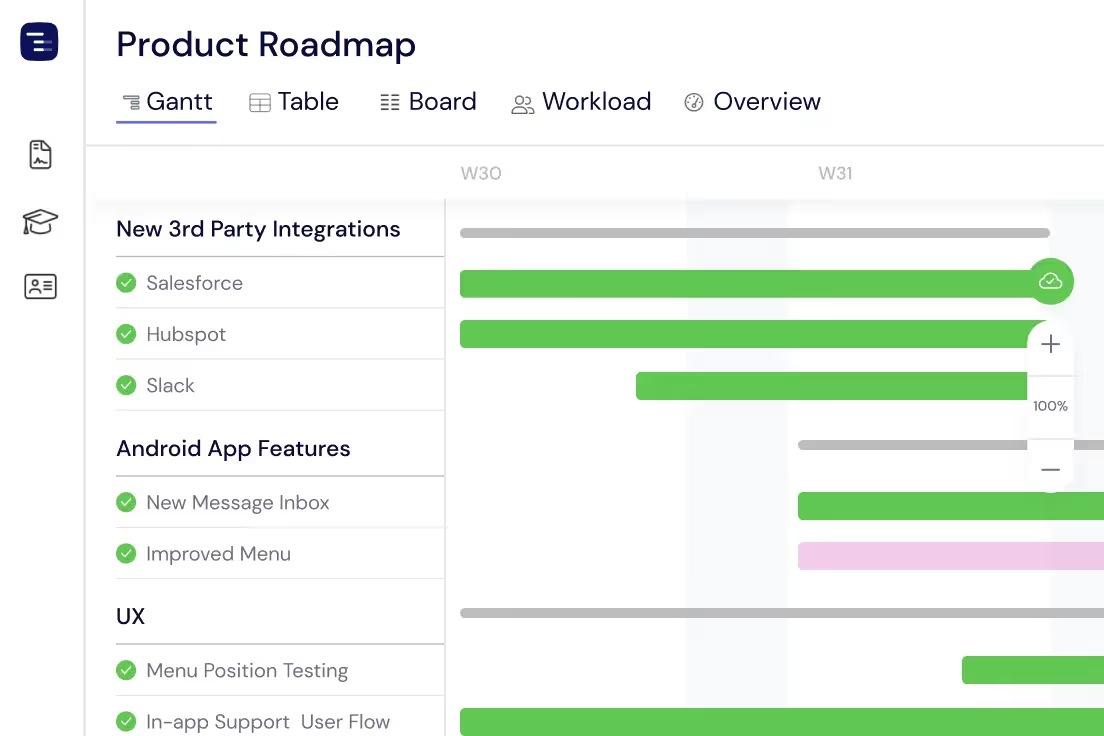
Product teams use Instagantt to build visual roadmaps that connect strategy to execution. Plan feature releases, coordinate cross-functional launches, track dependencies between engineering, design, and marketing, and communicate progress to stakeholders with interactive Gantt charts that update in real time.





Trusted by 25,000+ Teams across the Globe
Plan Your Tasks
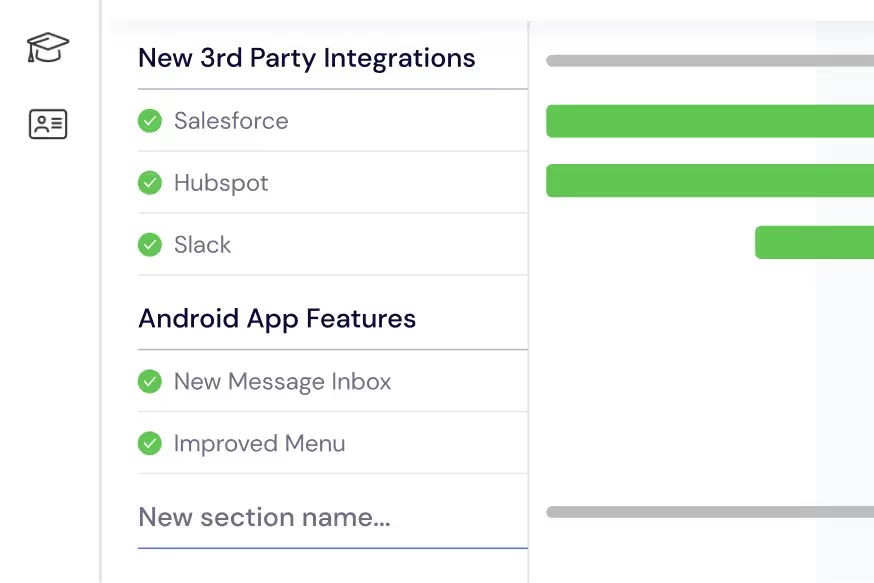
Break down your product initiatives into manageable tasks and subtasks that represent real deliverables. Create sections to organize each stage of your product development lifecycle — discovery, design, development, testing, and launch. Detail every step along the way with estimated durations, assignees, and dependencies so your Gantt chart becomes the single source of truth for what is being built, by whom, and when it will ship. Product managers can use Instagantt's AI Assistant to generate initial task structures from a simple project description, saving hours of manual planning and ensuring nothing is overlooked.
Manage Your Team & Resources
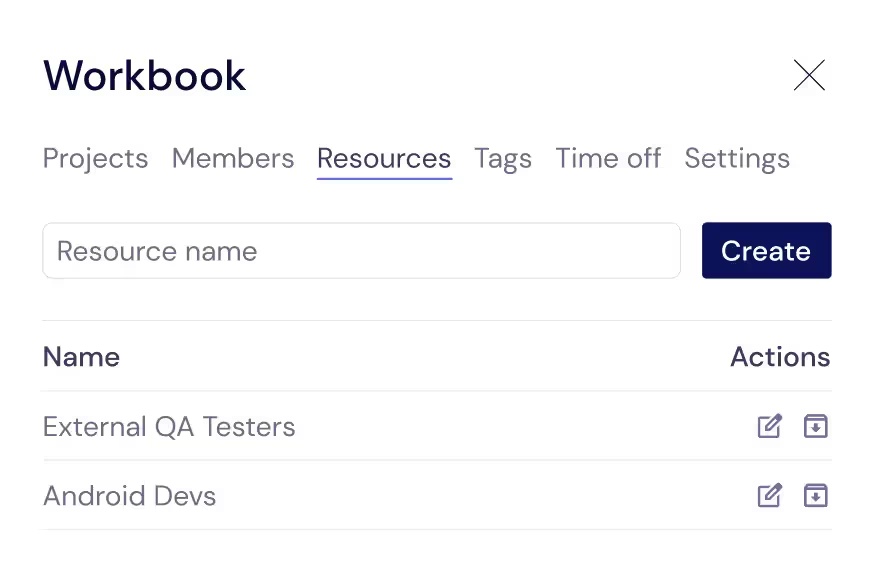
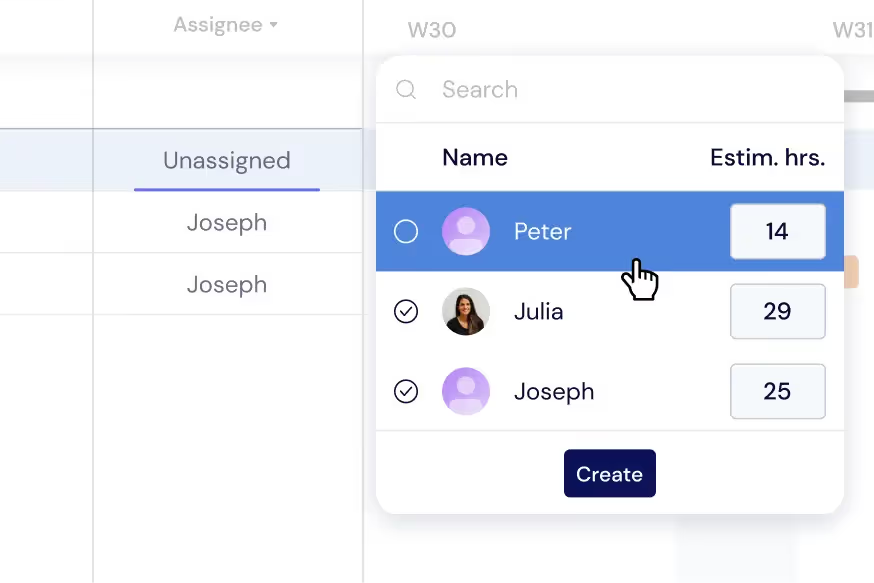
Go beyond tracking just your core team members. Add any resource — internal or external — that is essential for your product's success. This includes designers, developers, QA engineers, technical writers, external contractors, and agency partners. Assign each person to specific tasks with estimated hours so you can see capacity at a glance. When you need to bring on additional resources for a launch sprint or contract out specialized work, Instagantt's workload visualization helps you make data-driven resourcing decisions rather than guessing who has bandwidth.
Distribute Tasks and Workload
Assign tasks to your team and ensure a balanced workload across the entire product organization. Monitor individual workloads directly on your Gantt chart — a color-coded indicator shows when team members are at capacity, underutilized, or overallocated. Switch to the dedicated Workload View for a comprehensive resource allocation dashboard that makes it easy to redistribute work, resolve scheduling conflicts, and prevent burnout during intensive development sprints. Balanced workloads lead to better code quality, fewer bugs, and more predictable delivery timelines.
Get a Project Overview
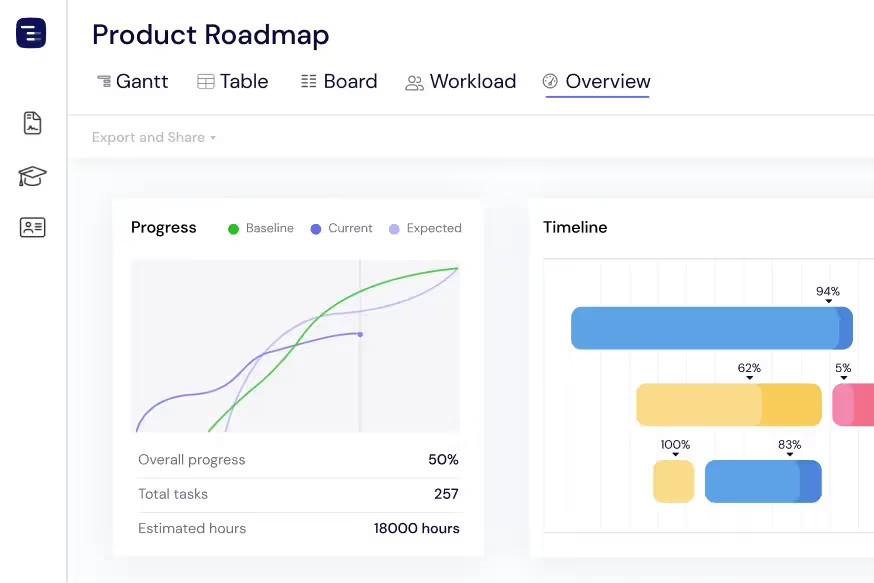
Stay up to date with your product's timeline using the Overview View. Monitor progress across all active features and initiatives, track milestones and deadlines, and review team workloads — all at a glance without getting lost in task-level details. Switch between Gantt, Table, and Board views depending on the information you need. The Overview View is particularly valuable during quarterly planning sessions and executive reviews where you need to communicate the state of the product portfolio quickly and clearly.
Share Progress with Stakeholders
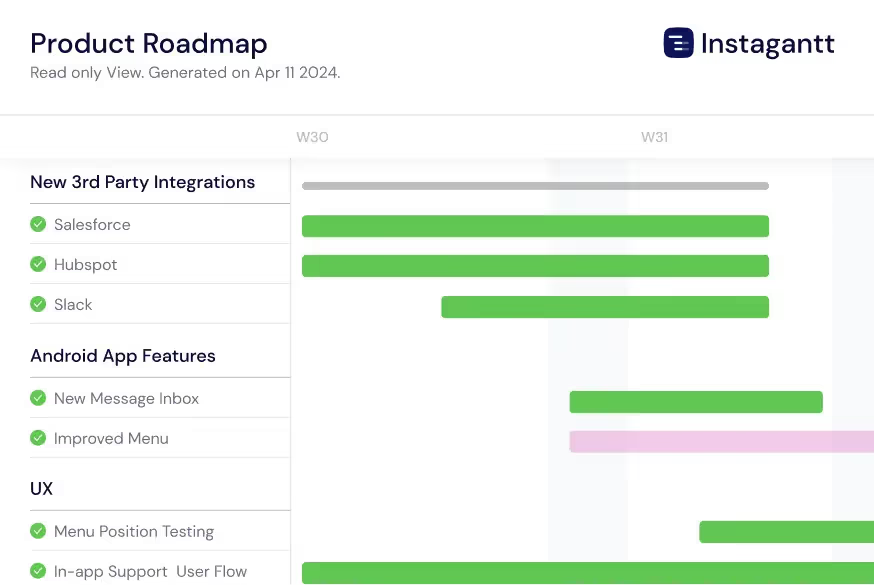
Export your product roadmap in multiple formats — PDF for executive presentations, PNG for slide decks, and spreadsheets for detailed analysis. Instagantt's Public Snapshot feature is the most powerful option for ongoing stakeholder communication: generate a shareable URL that gives anyone a live, read-only view of your Gantt chart. Stakeholders can zoom in on specific timeframes, check milestone status, and see team assignments without needing an Instagantt account. This eliminates the weekly status email and keeps everyone aligned on the current plan.
Track Dependencies Across Teams
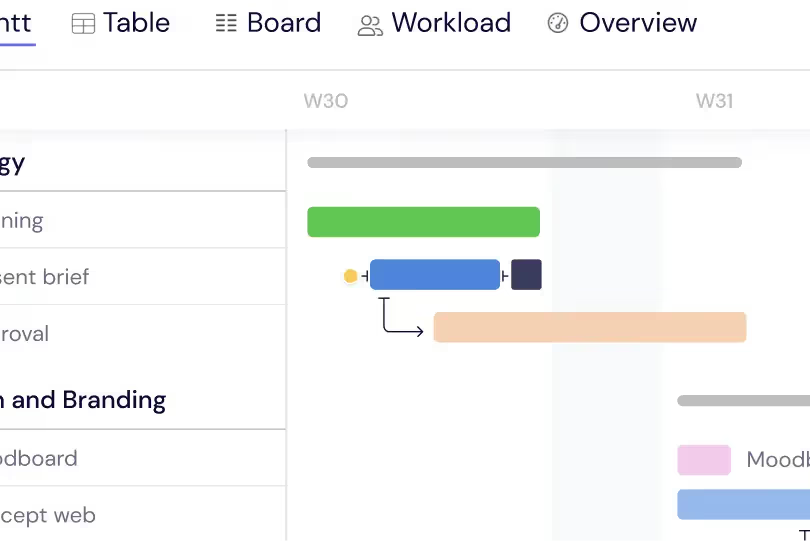
Map cross-functional dependencies between product, engineering, design, marketing, and sales teams on a single timeline. When the design team needs an extra week for user research, see the immediate impact on engineering timelines and launch dates. Dependency visualization helps product managers coordinate the many moving parts of a product release and prevents the surprises that come from managing each team's timeline in isolation. Critical path highlighting shows which dependencies directly impact your launch date so you can focus attention where it matters most.
Compare Plans with Baselines
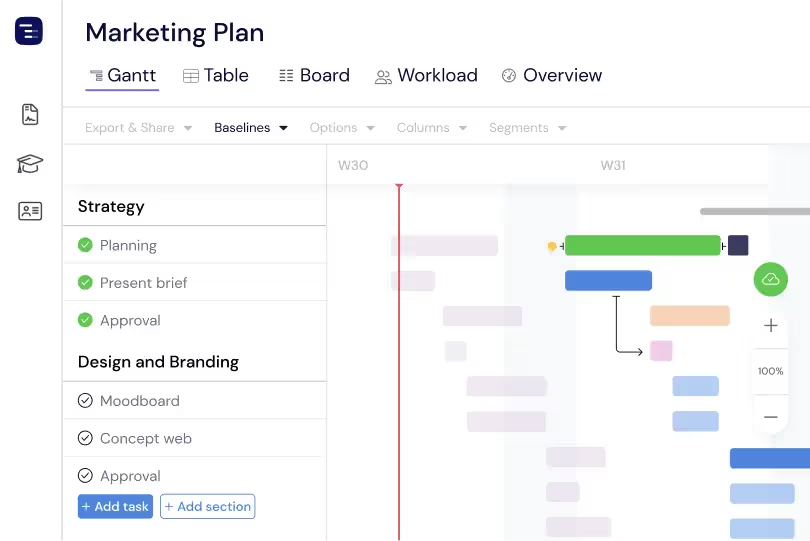
Create baseline snapshots of your product roadmap at any point in time — quarterly planning, board presentations, or sprint boundaries — and compare the original plan against actual progress side by side. Baselines make schedule drift visible and quantifiable. See which features started late, which are taking longer than estimated, and how the overall timeline has shifted since the plan was approved. This plan-versus-actual comparison is essential for product teams that want to improve their estimating accuracy, demonstrate progress to leadership, and communicate schedule changes with full transparency.
AI-Powered Project Creation
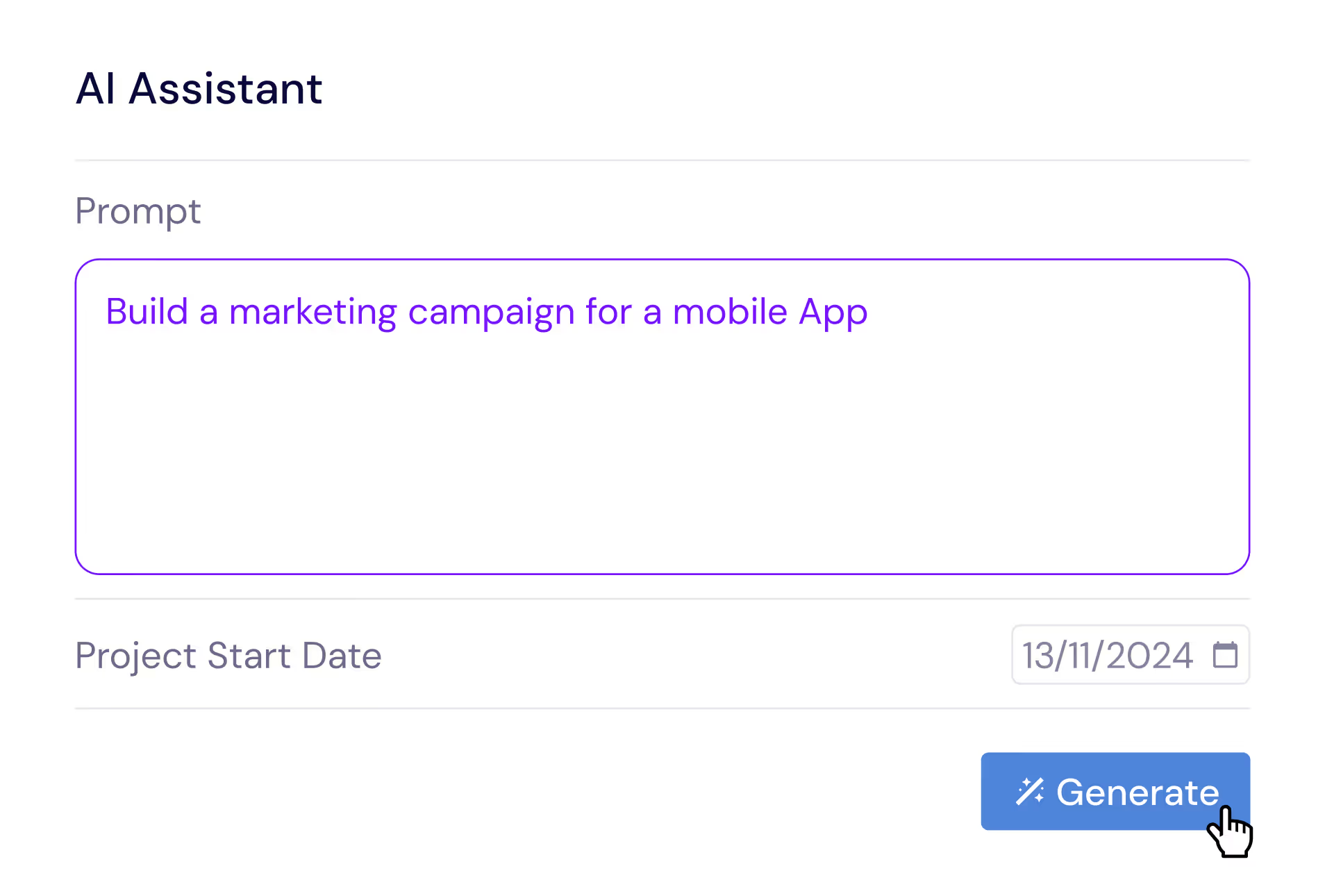
Describe your product initiative in plain English and let the AI Assistant generate a complete project plan with tasks, subtasks, estimated durations, and dependencies. Say something like 'Plan a mobile app feature release with design, iOS development, Android development, QA testing, and app store submission phases' and receive a professional project structure in seconds. Refine the generated plan with follow-up prompts, then save it as a template for future feature releases. The AI understands product management concepts like phased rollouts, feature flags, and beta testing stages.
Custom Fields for Product Data
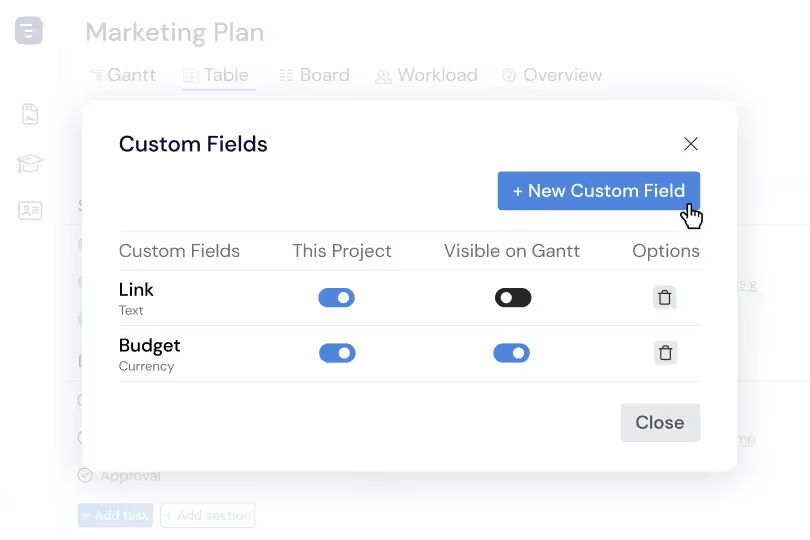
Add custom fields to capture the data dimensions that product managers care about — customer impact score, strategic priority, effort estimate, engineering complexity, target persona, and OKR alignment. Custom fields appear in the Table View as sortable, filterable columns, making it easy to analyze your product backlog from multiple angles. Sort by customer impact to prioritize high-value features, filter by target persona to see a specific audience's roadmap, or group by strategic theme to ensure balanced investment across product areas.
Coordinate Product Launches
Bring every function involved in a product launch onto a single timeline — engineering feature completion, design asset delivery, marketing campaign preparation, sales enablement training, documentation updates, and customer support readiness. Map dependencies between teams so engineering delays automatically surface their impact on marketing launch dates and sales training schedules. This cross-functional launch coordination prevents the common problem of marketing launching campaigns for features that are not yet ready, and ensures that sales teams are trained on new capabilities before customers start asking questions about them.
Manage Your Product Backlog
Organize and prioritize your product backlog with custom fields for effort, impact, customer request count, strategic alignment, and technical complexity. Sort and filter to surface the highest-value items, then drag them onto your roadmap timeline when they are ready to be scheduled. Unscheduled backlog items stay organized in a dedicated section without cluttering your active roadmap view. This backlog management approach bridges the gap between product strategy and execution by making it easy to move items from initial ideation and customer research through planning, development, and delivery on a visual timeline.
Multiple Views for Different Audiences
Switch between Gantt, Table, Board, and Overview views depending on your audience and the information you need to communicate. Use the Gantt chart for detailed timeline planning with dependencies, the Table View for data analysis and filtering, the Kanban Board for sprint execution tracking, and the Overview for portfolio-level status reporting. Each view shows the same underlying data from a different perspective, so product managers can tailor their communication to technical teams, executives, and stakeholders without maintaining separate documents or presentations.