Project Management
Projects & User Management
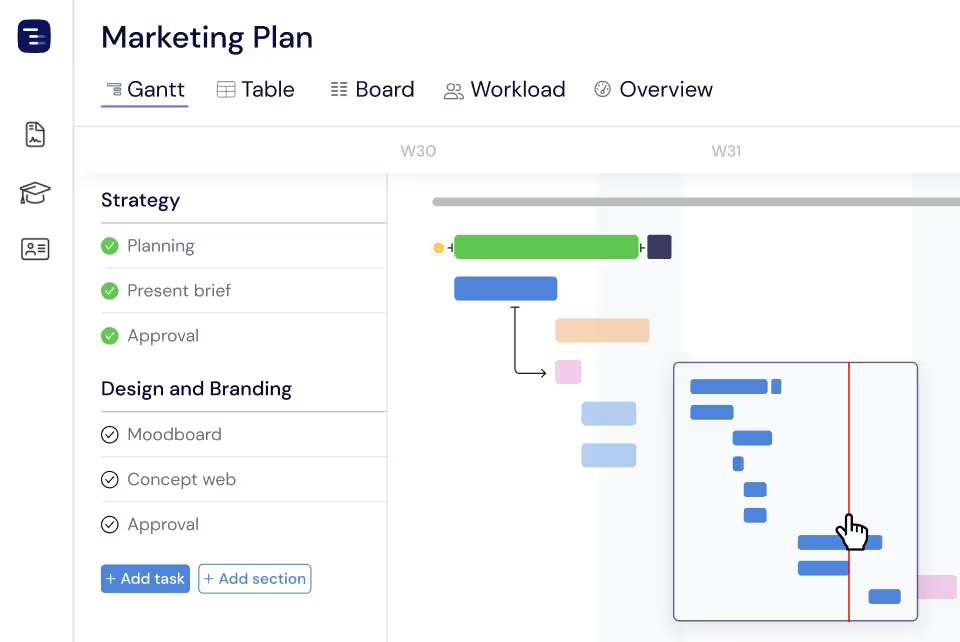
Instagantt provides the essential project management features teams need: estimated hours, task dependencies, critical path analysis, baseline comparisons, custom fields, and automated scheduling. Every tool is designed to give project managers visibility and control without overwhelming teams with unnecessary complexity.





Trusted by 25,000+ Teams across the Globe
Estimated Hours
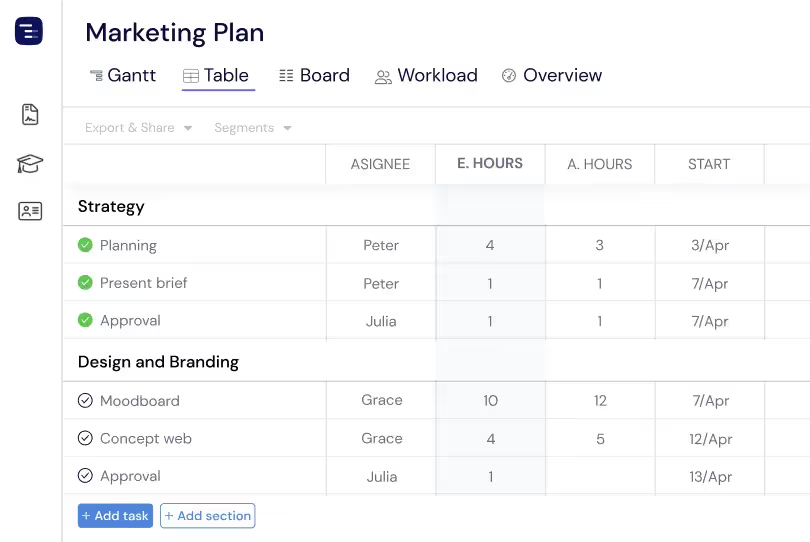
Set estimated hours for each task and track time allocation across your entire project. See at a glance how much effort is planned for every deliverable, compare estimates against actual hours worked, and keep your team's workload balanced. Estimated hours feed into the Workload View and Dashboard, giving managers visibility into resource utilization and helping identify tasks that may need more time or additional team members.
Dependencies
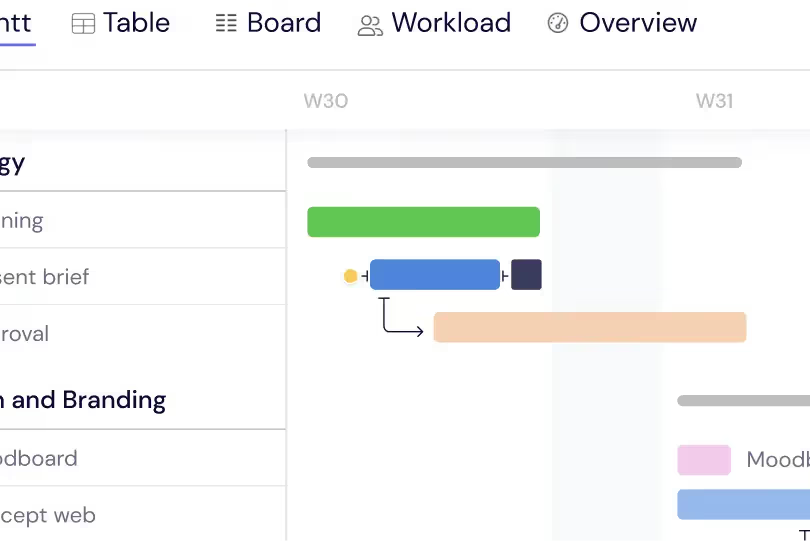
Link tasks with finish-to-start dependencies and visualize exactly how they connect with dependency arrows on your Gantt chart. When one task moves, all dependent tasks adjust automatically so your timeline always reflects realistic scheduling. Dependencies are the backbone of accurate project planning — they ensure that work happens in the right order and that schedule changes cascade properly through the entire project.
Critical Path
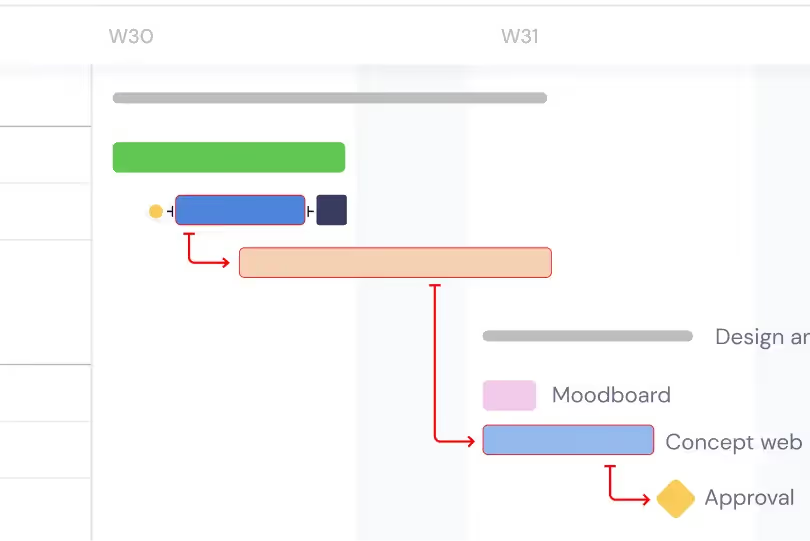
Automatically identify the critical path through your project — the longest chain of dependent tasks that determines your project's minimum completion time. Tasks on the critical path are highlighted so your team knows which work directly impacts the final deadline. Any delay on a critical path task delays the entire project, making this visibility essential for prioritizing effort and making informed scheduling decisions.
Baselines
Create baseline snapshots of your project plan at any point in time and compare the original plan against actual progress side by side. Baselines make schedule variance visible — you can see which tasks started late, which are taking longer than planned, and how the overall timeline has shifted since the project began. This plan-versus-actual comparison is essential for stakeholder reporting and continuous improvement of estimating accuracy.
Minimap Navigation
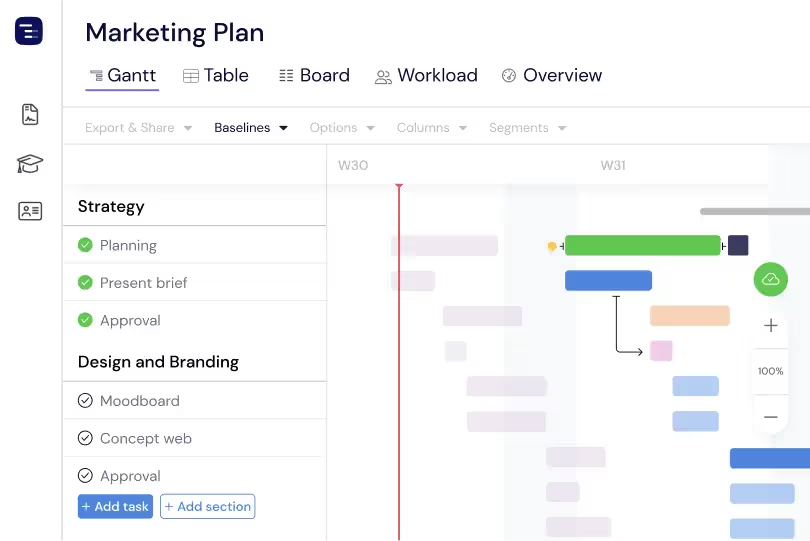
Navigate large projects effortlessly with the minimap that provides a bird's-eye view of your entire timeline. Click or drag on the minimap to jump to any section of your project instantly without endless scrolling. For complex projects with hundreds of tasks spanning months or years, the minimap keeps you oriented and makes it easy to move between different phases and time periods.
Custom Fields
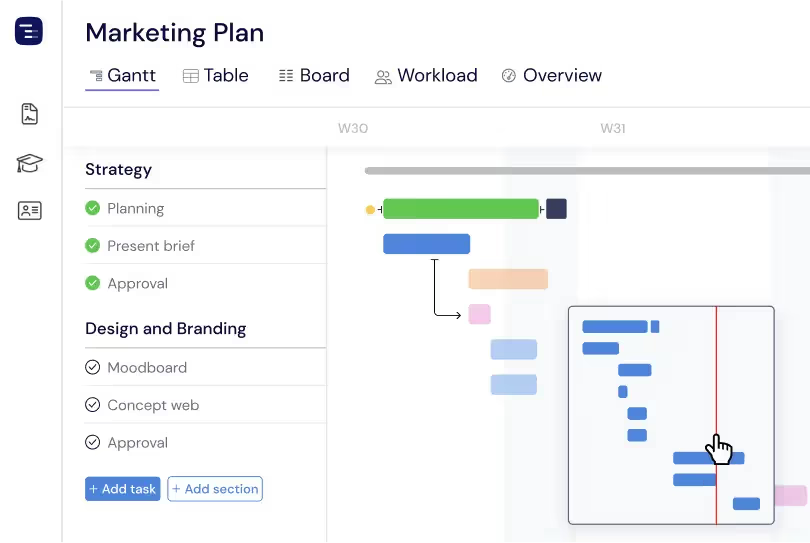
Add custom fields to capture the exact data your team needs — text, numbers, dates, dropdowns, checkboxes, and more. Create fields for risk level, cost center, department, approval status, or any project-specific attribute. Custom fields appear in the Table View as sortable, filterable columns, and they can be included in reports and exports to give your organization the data dimensions it needs.
Users Time Off
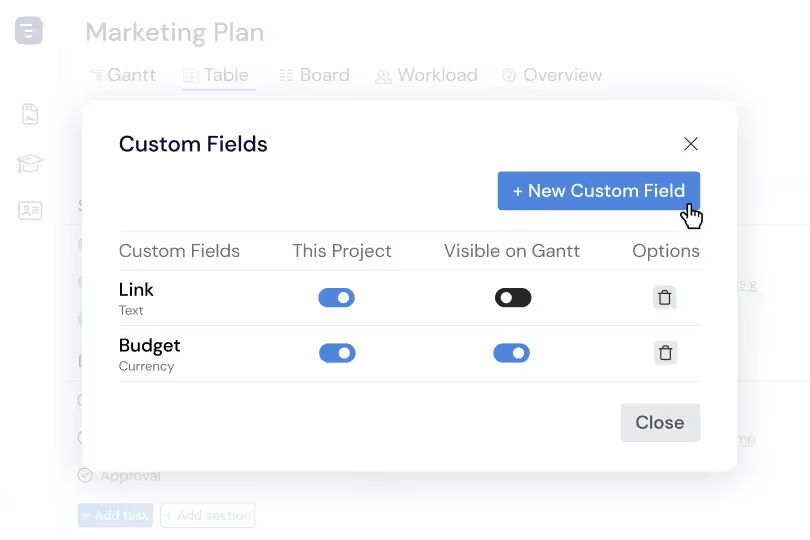
Track vacations, holidays, sick days, and planned time off for every team member in your project. When someone is scheduled to be away, their unavailable dates appear on the timeline and the scheduling engine accounts for their absence. This prevents you from accidentally assigning critical work during someone's vacation and helps you plan around availability gaps proactively.
Custom Workdays
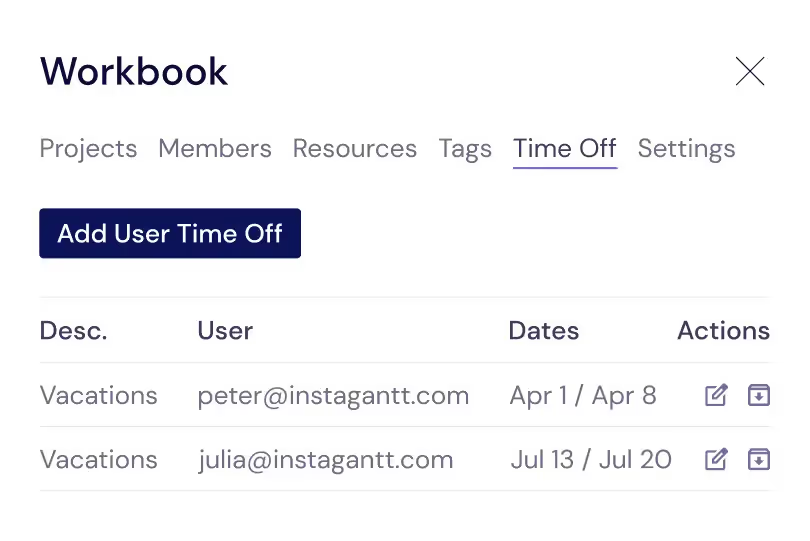
Define custom capacity and time off per team member to account for usual work weeks, vacation periods or leaves of absence. A team member in Germany observes different holidays than one in the United States. A part-time contractor works four hours per day instead of eight. Custom workday settings ensure that task duration calculations and capacity planning reflect each person's actual availability.
Project Archiving and History
Archive completed projects to keep your active workspace clean and focused while preserving full project history for reference. Archived projects retain all their data — tasks, timelines, dependencies, comments, and baseline comparisons — and can be restored to active status at any time. Browse your archive to reference past project structures when planning similar future work, or search across archived projects to find specific tasks and deliverables from previous initiatives.
Key Capabilities
Everything you need, nothing you don't.
Project Creation
Create projects in seconds and get straight to planning. Start from scratch, spin up a template, or import your data from CSV files to bring work into Instagantt instantly. If you work in Asana, connect through the Instagantt for Asana version to sync existing projects and visualize them as a full Gantt chart. Because workbook settings apply automatically to every new project, your team skips setup and jumps straight into execution — without manual configuration or rework.
User Roles
Assign user and admin roles to manage access across your projects. Users collaborate on tasks and keep work moving, while admins have full control over project settings, billing, and team management. This simple role model centralizes oversight and still gives your team the flexibility to collaborate freely and keep projects fully up to date.
Status Tracking
Monitor project health at a glance with automatically assigned statuses — On Time, Delayed, or Ahead. Status is calculated from live project performance and shows up across every view, including the Dashboard, so managers and stakeholders can assess progress and surface risks without digging into individual task details.
Project Settings
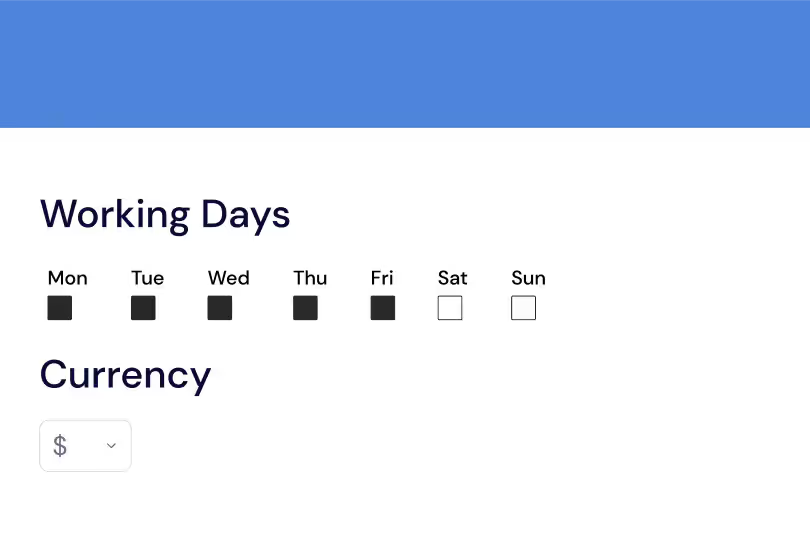
Configure working days, user capacity, hourly rates, currency, and display preferences for each project individually. Teams in different regions can run their own holiday calendars, and construction projects can define six-day work weeks. These project settings make sure Instagantt's scheduling reflects real-world working patterns.
Archiving
Archive completed projects to keep your workspace clean and focused on active work without losing any data. Archived projects remain fully accessible for reference, reporting, and historical analysis. Restore archived projects at any time if work resumes or if you need to duplicate their structure for a new initiative.
Activity Log
Track updates with a built-in change log that surfaces recent modifications across your projects. Every time you return to the app, you see what's changed — schedule adjustments, task updates, and scope changes are highlighted so you catch up fast, with no manual searching. This project-wide visibility keeps teams aligned and stakeholders up to date with the latest project developments.
Explore More Features
Discover everything Instagantt has to offer for your project management workflow.