Build Gantt Charts 10x Faster with AI
Introducing Instagantt's newest AI Assistant that makes creating Gantt charts faster and easier than ever. Just enter a prompt, and watch as Instagantt generates a customized Gantt chart with tasks, timelines, and dependencies in seconds — no more manual setup!
Prefer to build one by hand? Read our step-by-step guide to making a Gantt chart
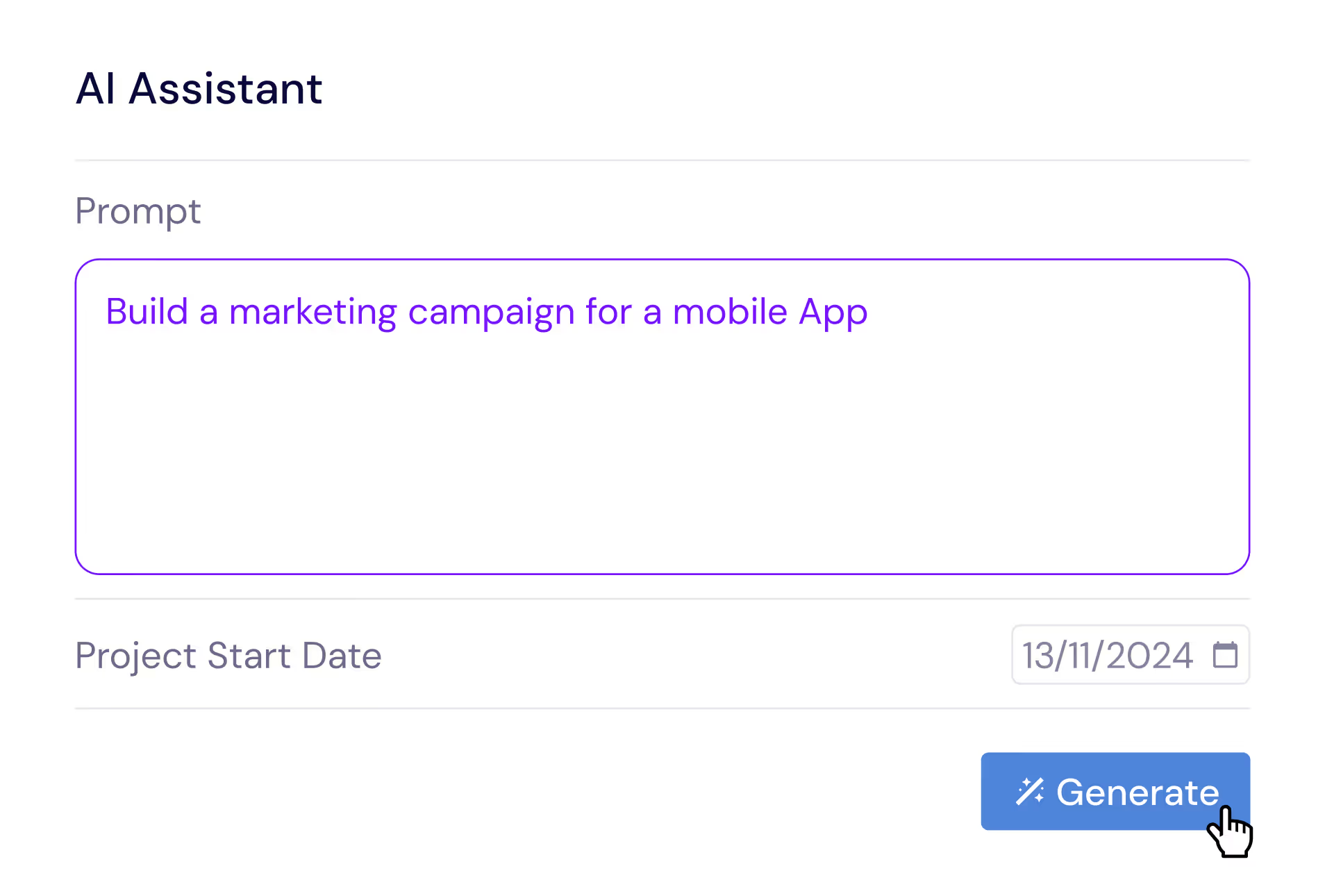





The Challenge: Slow, Manual Project Setup
We know setting up a Gantt chart can be time-consuming, especially for complex or highly personalized projects:
Templates Are Limited
While templates offer a great starting point, they often fall short of covering specific project needs.
Complex Project Needs
Custom projects require listing each task and dependency, making setup overwhelming.
Time-Consuming Setup
Building Gantt charts from scratch can take hours, delaying project kickoff.
Human Errors and Mistakes
Manually organizing tasks can lead to missed dependencies and scheduling issues.
Instagantt's new AI Assistant makes project setup effortless — just enter a simple prompt, and AI generates a fully organized Gantt chart for you.
How It Works
5 simple steps to your AI-generated Gantt chart
Write Your Prompt
Describe your project in plain English — what you're building, key phases, and timeline. The AI understands project structures, deliverables, and dependencies.
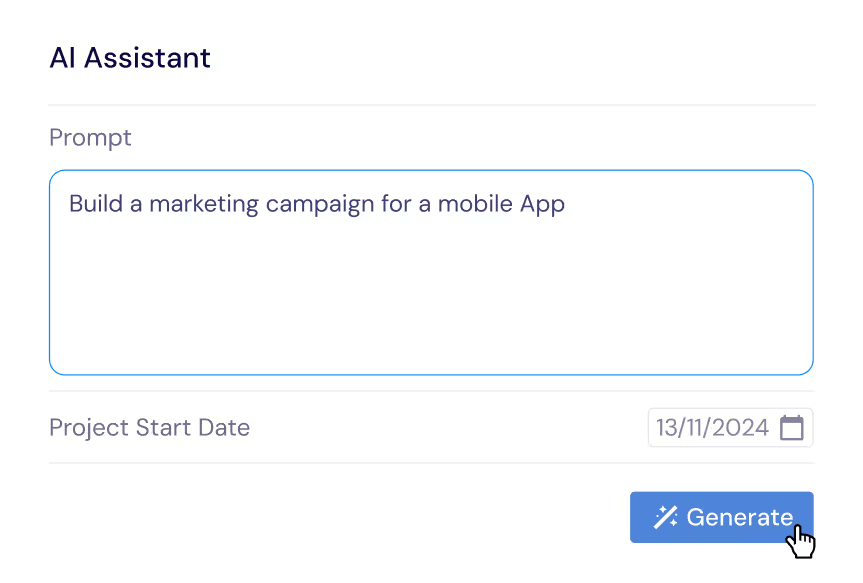
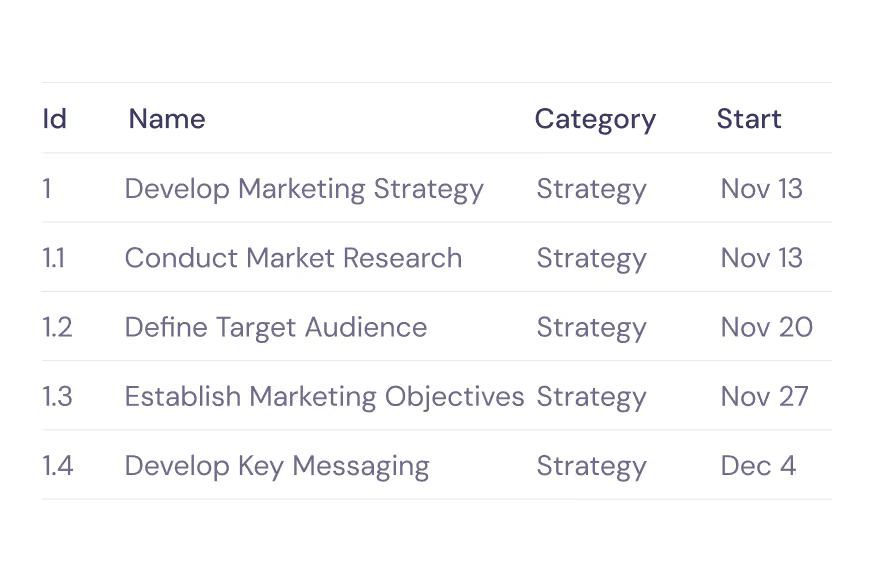
Instagantt will Generate Tasks & Subtasks
Watch as Instagantt's AI creates a complete project structure with tasks, subtasks, durations, and smart dependencies — all in seconds.
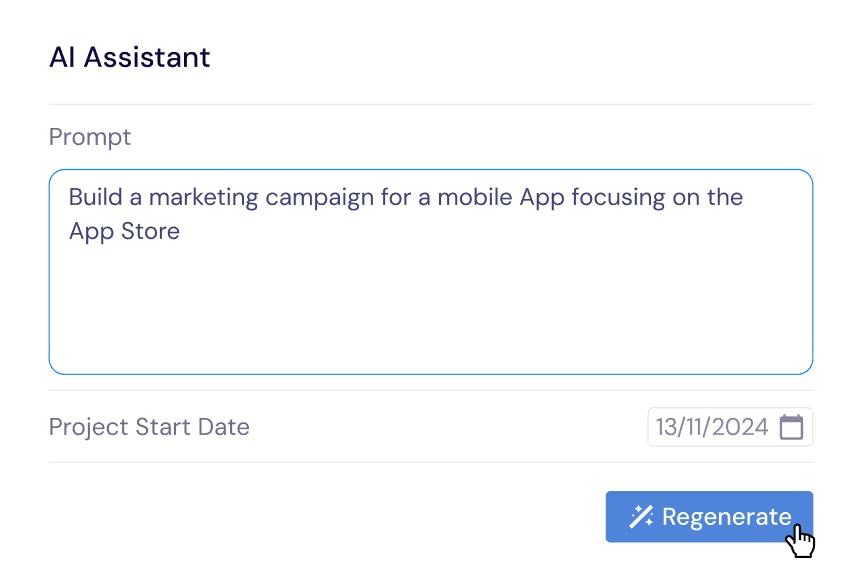
Review & Refine
Preview the generated tasks and make adjustments. Add, remove, or modify tasks before committing them to your project.
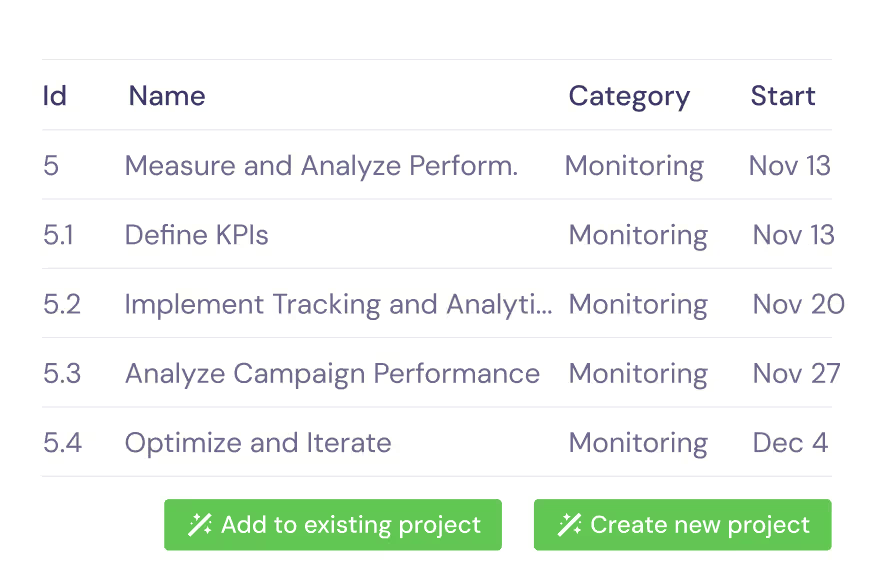
Add to a New or Existing Project with One Click
Choose to create a brand new project or add the AI-generated tasks to an existing one. One click and you're done.
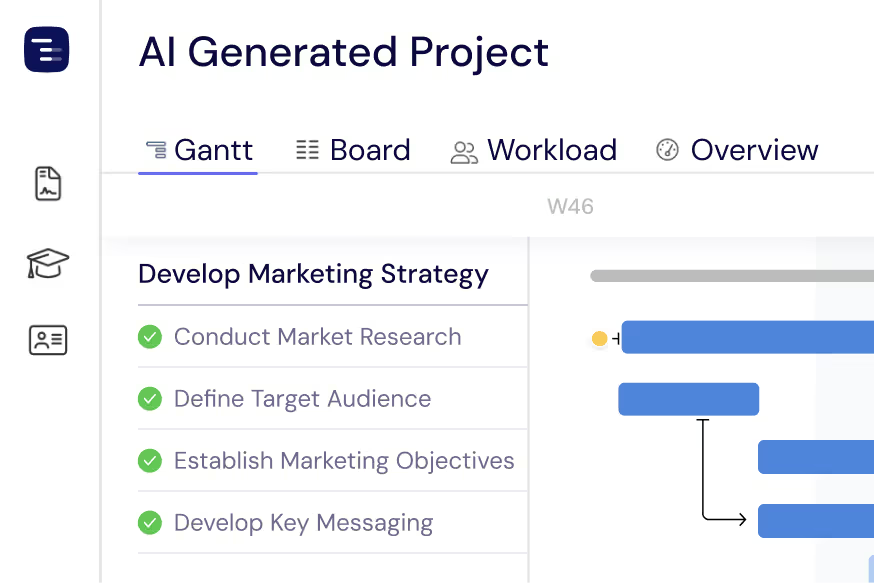
Done! Your Gantt Chart is Ready
Your fully structured Gantt chart is ready to go — complete with tasks, timelines, dependencies, and milestones. Start managing your project right away.
Save time with our best prompts
Not sure where to start? Try one of these prompts to instantly generate a project plan.
Create a 3-month product launch plan for a SaaS application
Build a website redesign project with UX research, design, and development phases
Plan a marketing campaign for Q2 including content, ads, and analytics
Set up an agile sprint plan for a mobile app with 2-week iterations
Create an office relocation plan covering logistics, IT, and communications
Plan a recruitment process for hiring 5 engineers over 2 months
How the AI Assistant Works Under the Hood
Instagantt's AI Assistant is powered by advanced natural language processing that understands project management terminology, industry workflows, and scheduling best practices. When you write a prompt, the AI breaks your description down into discrete phases, identifies the deliverables within each phase, and maps logical dependencies between tasks so nothing falls through the cracks.
The engine follows a structured pipeline. First, it parses your prompt to extract the project scope, estimated duration, and any constraints you mention such as deadlines or team size. Next, it generates a hierarchical task breakdown — parent tasks for major phases and subtasks for individual action items. Each task receives a realistic duration estimate based on industry benchmarks, and the AI automatically wires up finish-to-start dependencies where one task logically needs to complete before the next can begin. Finally, it lays everything out on a Gantt timeline, assigns milestone markers to key checkpoints, and presents the entire plan for your review.
Because the AI learns from thousands of real-world project structures, it can adapt to virtually any industry or methodology. Whether you follow waterfall, agile, or a hybrid approach, the generated plan will reflect the patterns and cadences that matter most to your workflow. You always have full control to add, remove, reorder, or adjust tasks before committing the plan to your project.
What Types of Projects Can It Generate?
The AI Assistant is not limited to a single industry or project type. It draws on knowledge spanning dozens of domains, so you can generate a complete Gantt chart for virtually any initiative. Here are some of the most popular categories teams use it for:
Software Development — Sprint planning, feature roadmaps, bug-fix cycles, QA timelines, and full product launches with release milestones.
Marketing Campaigns — Content calendars, advertising rollouts, social media strategies, SEO audits, and product launch marketing plans.
Construction & Engineering — Site preparation, permitting, foundation work, framing, inspections, and handover schedules with critical-path dependencies.
Events & Conferences — Venue booking, speaker coordination, catering logistics, rehearsals, day-of run sheets, and post-event follow-ups.
HR & Recruitment — Hiring pipelines, onboarding programs, training schedules, and performance review cycles.
Operations & Logistics — Office relocations, supply chain rollouts, facility upgrades, and process improvement initiatives.
No matter the complexity, the AI adapts its output to match. A one-month marketing sprint might generate 15 tasks, while a year-long construction project could produce over 100 tasks with nested subtasks and multiple dependency chains.
Example Prompts to Get You Started
The more detail you include in your prompt, the more tailored the output. Here are some examples ranging from simple to advanced that you can try right away:
Simple
"Plan a company holiday party for 200 people in December."
Intermediate
"Create a 6-month product roadmap for a B2B SaaS platform with research, design, backend, frontend, QA, and launch phases."
Advanced
"Build a construction schedule for a 3-story commercial building. Include permitting, excavation, foundation, steel erection, MEP rough-in, inspections, interior finishes, and certificate of occupancy. The project should run 14 months with critical-path dependencies."
How does an AI Gantt chart generator work?
An AI Gantt chart generator turns a plain-English project description into a fully structured Gantt chart with tasks, sub-tasks, durations, dependencies, and milestones. You write a prompt like 'plan a product launch in 8 weeks,' and Instagantt's AI Assistant uses project-management patterns and industry benchmarks to draft a realistic timeline in seconds. You can iterate by asking the AI to add tasks, shift dates, change dependencies, or restructure phases — every refinement updates the chart in real time. The result is a working Gantt chart you can edit, share, and execute against, without spending hours setting up tasks manually.
Frequently Asked Questions
Is the AI Assistant included in all plans?
Yes. The AI Assistant is available on every Instagantt plan, including the free trial. You can start generating AI-powered Gantt charts the moment you sign up — no additional purchase or upgrade is required.
Can I edit the tasks after the AI generates them?
Absolutely. The AI gives you a starting point, not a locked plan. After generation you can rename tasks, adjust durations, add or remove subtasks, change dependencies, assign team members, and move milestones — everything you would normally do in Instagantt.
How accurate are the task durations and dependencies?
The AI draws on industry benchmarks and common project patterns to estimate durations and set logical dependencies. While the estimates are a strong starting point, every project is unique. We recommend reviewing the generated plan and fine-tuning durations based on your team's capacity and historical data.
Can I add AI-generated tasks to an existing project?
Yes. During the final step you can choose to create a brand-new project or merge the generated tasks into an existing project. This is especially useful when you need to extend a project with a new phase or workstream without starting over from scratch.
Does the AI work with Asana integration?
Yes. If your Instagantt workspace is connected to Asana, AI-generated tasks will sync to Asana automatically once you commit them to a project. Tasks, subtasks, assignees, and due dates all carry over so both tools stay perfectly in sync.