Collaboration
Inbox, Assignments & Others
Instagantt helps teams collaborate with real-time updates, task comments, centralized notifications, and flexible sharing options including public snapshots. Assign tasks to team members, track activity across projects, and keep everyone aligned with clear ownership and transparent project visibility.





Trusted by 25,000+ Teams across the Globe
Comments Inbox
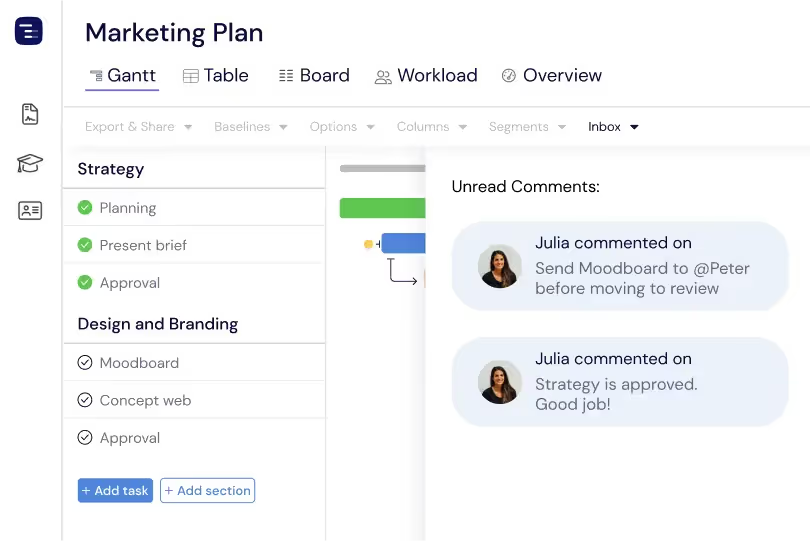
Stay on top of what matters with a centralized inbox for the comments and task assignments you're involved in. Relevant conversations and updates from across your projects show up in one place, and you can respond or acknowledge assignments quickly without digging into individual tasks. It's a simple way to stay on top of collaboration and stay connected to the work that needs your attention.
Users & Members
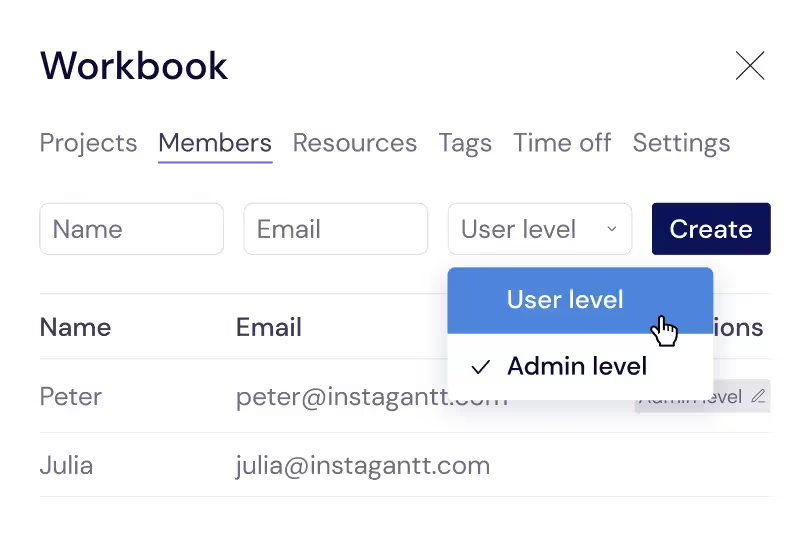
Invite team members to your workspace and collaborate across every project with simple role-based access. Assign each person as a user or an admin; admins help manage the workspace and handle member settings. The member management interface makes it easy to onboard new teammates and revoke access when needed.
Resources
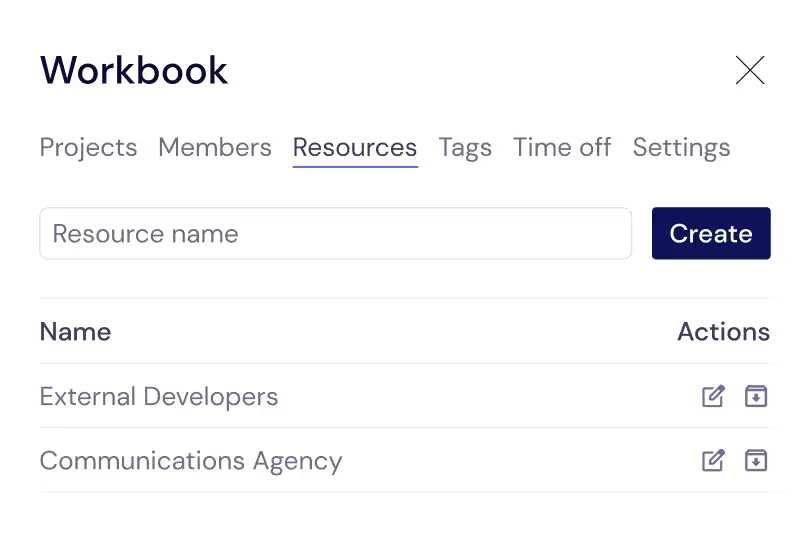
Manage your team's resources in one centralized place. See who is available across all projects, review each person's current assignments and capacity, and ensure the right people are working on the right tasks. The resource management view helps team leads and project managers make informed staffing decisions by showing workload distribution, skill availability, and scheduling conflicts that span multiple projects.
Task Assignment
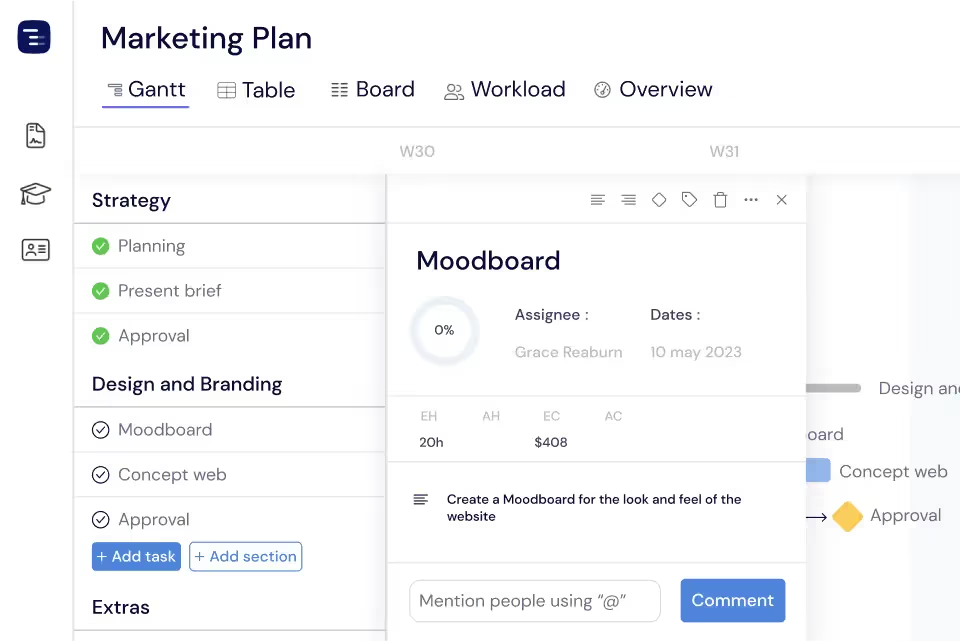
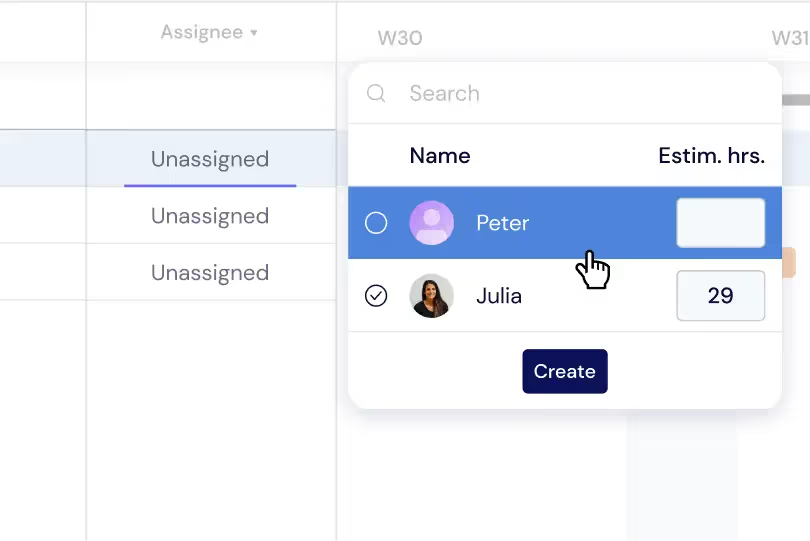
Assign tasks to team members with a single click and see who is responsible for what across your entire project. Each assignee's avatar appears on their tasks in the Gantt chart, creating clear visual ownership. When you assign a task, the team member receives a notification and the task appears in their personal task list. This accountability system ensures that every piece of work has a clear owner.
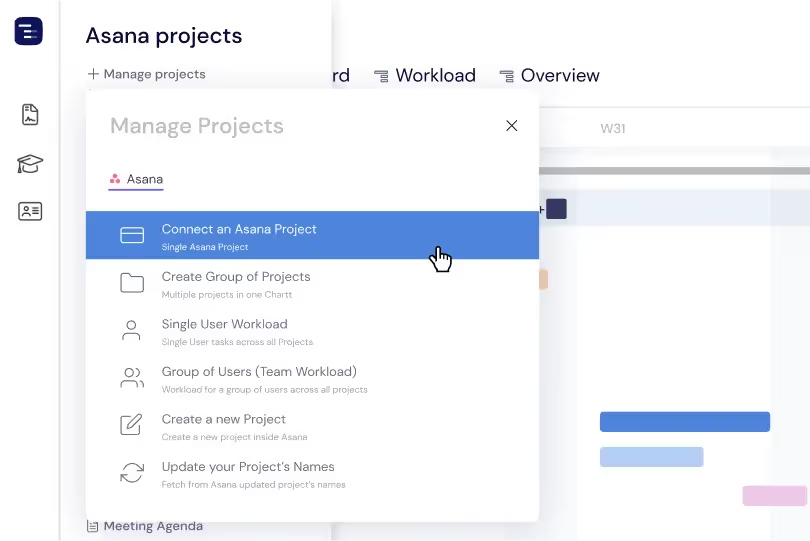
Comment on Asana, Read on Instagantt
Through the Instagantt for Asana version, comments posted in Asana sync into Instagantt so your team stays aligned in one place. Developers can keep commenting in Asana while project managers review the same conversation threads in Instagantt, keeping context visible across both tools. This one-way sync helps centralize project communication in Instagantt without changing how your team already works in Asana.
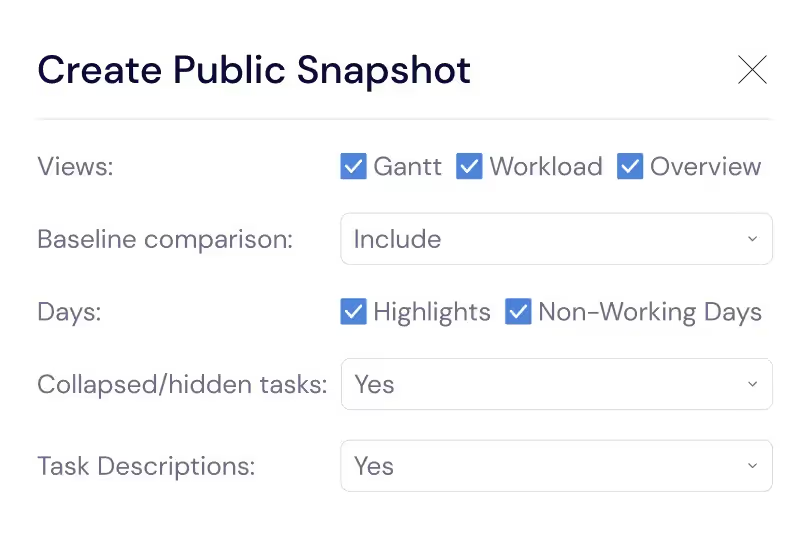
Public Snapshots for External Sharing
Share project timelines with clients, executives, and external partners through Public Snapshot URLs that provide read-only access to your Gantt chart. Recipients can view the project plan, check milestone dates, and see team assignments without an Instagantt account or any login. Refresh a snapshot through its master link as the project evolves, so you never need to re-send a new URL whenever the schedule changes. This transparent, on-demand sharing builds trust with external stakeholders over time.
Activity Feed and Change Tracking
Track how your project evolves with a clear change log that highlights key updates across your tasks. You get a consolidated record of task updates, status changes, schedule adjustments, comments, and dependency modifications, so you can understand exactly what has been modified over time. The change log refreshes each time you return to Instagantt, giving you a simple way to catch up on what's new and stay aligned with the latest version of your project plan.
Team Mentions and Notifications
Mention team members in task comments using the at-mention syntax to send them targeted notifications about specific work items. Mentioned team members receive alerts through their notification inbox and can jump directly to the relevant task to review the comment and take action. This targeted notification system ensures that important messages reach the right people without flooding everyone with irrelevant updates. Configure notification preferences to control which types of project changes trigger alerts and how they are delivered.
Key Capabilities
Everything you need, nothing you don't.
Real-Time Updates
See changes from teammates instantly without refreshing the page. When someone updates a task date, marks a milestone complete, or adds a comment, the change appears for everyone viewing the project in real time. Real-time collaboration eliminates the version confusion and data conflicts that plague teams using static files or tools with delayed sync.
Comments
Leave comments on any task with @mentions to notify specific team members directly. Comments create a contextual discussion thread attached to the work item, keeping conversations organized and discoverable. When someone mentions you, you receive a notification in your inbox and via email so important discussions are never missed.
Inbox
Stay on top of the work that matters with a centralized inbox for task assignments, @mentions, and comments across your projects. Instead of checking each project one by one, you can see all the updates and conversations that need your attention in one place. Review items quickly, mark them as read, or follow up directly from the inbox to keep work moving without ever losing context.
Sharing
Share projects with teammates by inviting them to your workspace, or share with external stakeholders using public snapshot URLs that provide read-only access without requiring an account. Public snapshots are perfect for clients, executives, and partners who need to see project timelines without being involved in daily task management.
Activity Feed
See a clear record of what has changed across your project over time. The change log highlights task modifications, date changes, status updates, and comment additions in one place, so you can easily understand how the project has evolved. It's a simple way for distributed teams to catch up on recent changes and stay aligned with the latest plan.
Notifications
Receive email and in-app notifications for task assignments, @mentions, and comments. Notification preferences are configurable, so you decide which events trigger alerts and which get logged quietly in the change log. Stay informed on the projects that matter most without being overwhelmed by noise from projects you're only monitoring passively in the background.
Explore More Features
Discover everything Instagantt has to offer for your project management workflow.