For Project Managers
Track and Resolve Issues Before They Escalate
Tracking issues effectively is critical for any team. This template gives you a visual timeline for every open issue—from discovery through triage, assignment, resolution, and verification.





What Is Issue Tracking?
Issue tracking is the process of identifying, recording, and resolving problems that arise during a project. Issues can range from bugs and defects to scope changes, resource conflicts, or client complaints.
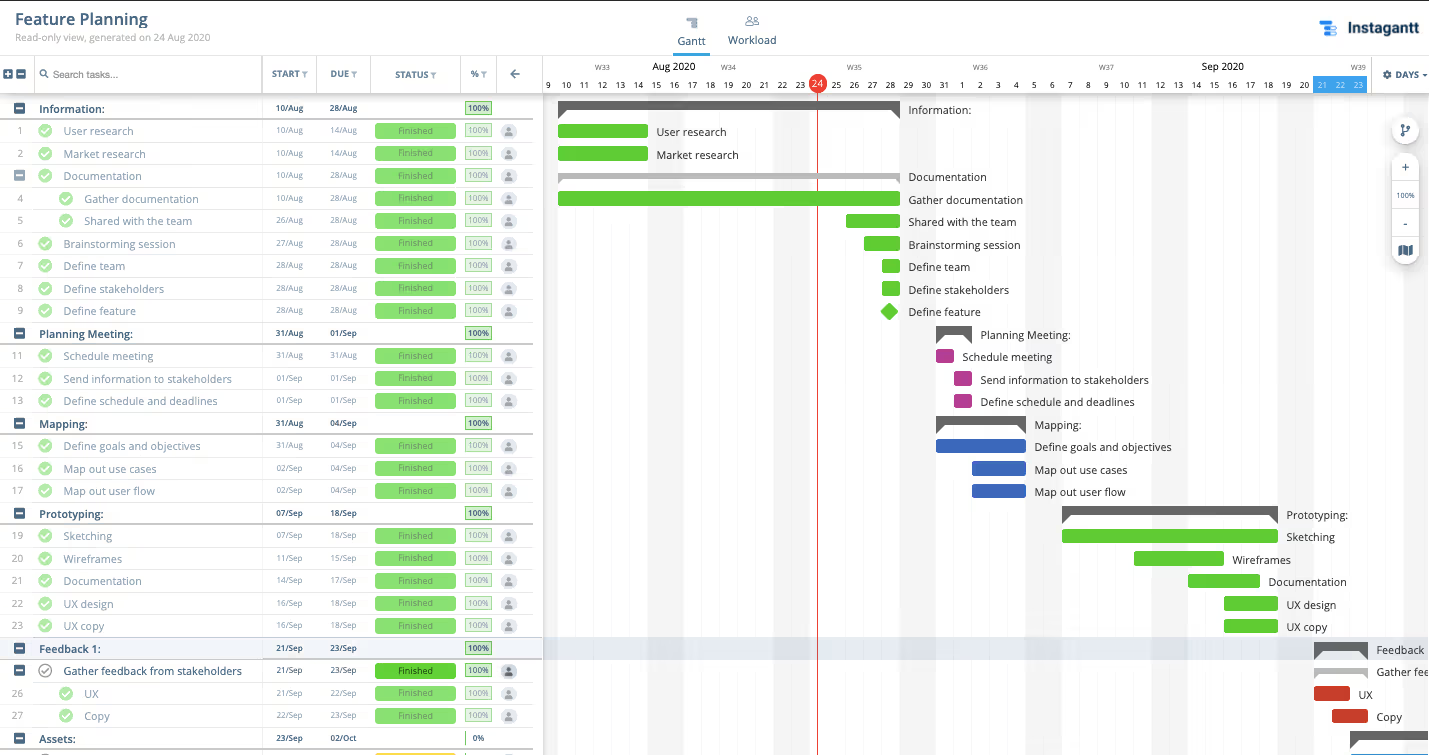
A dedicated issue tracker built on a Gantt chart lets you see every open issue on a timeline with clear deadlines, owners, and priority levels.
Why Is Issue Tracking Important?
Without systematic tracking, issues get lost in email threads and chat messages. An issue tracker provides a single source of truth where every problem is documented, assigned, and monitored until resolution.
By visualizing issues on a timeline, you can identify patterns, allocate resources effectively, and ensure nothing stays unresolved for too long.
Setting Up Your Issue Tracker
Create categories for different issue types (bugs, feature requests, process issues). Assign priority levels and estimated resolution times. Use dependencies to link related issues.
Use Instagantt to track issues alongside your project timeline. Color-code by severity, assign owners with clear deadlines, and use the Workload View to ensure no one is overloaded with issue resolution.